
IntelliScreen - screen control3.4.1 - Get APK
You'll be able to download in few seconds.
Publisher Description
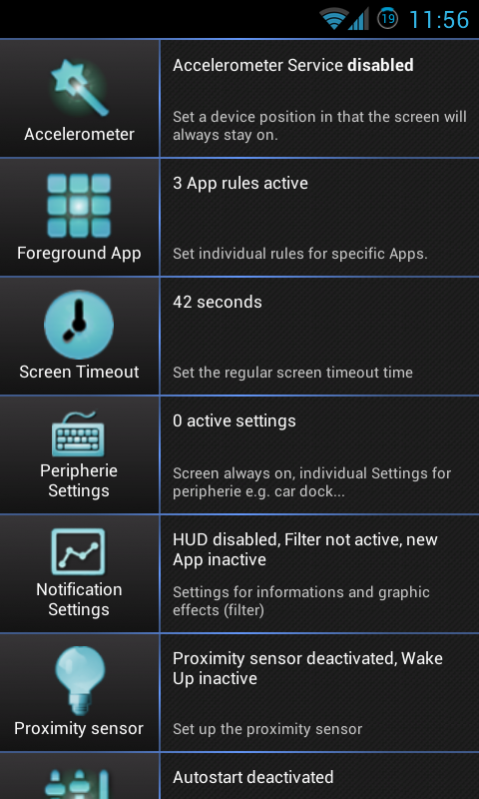



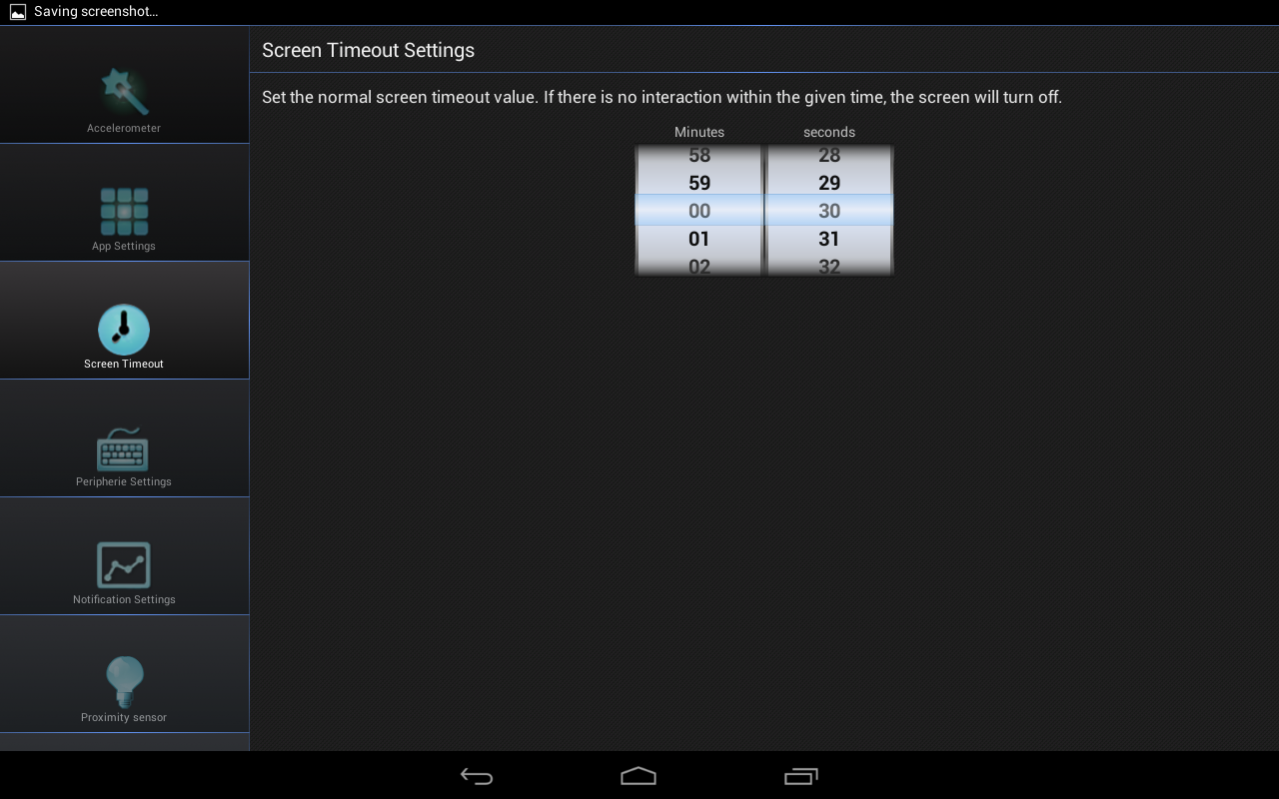

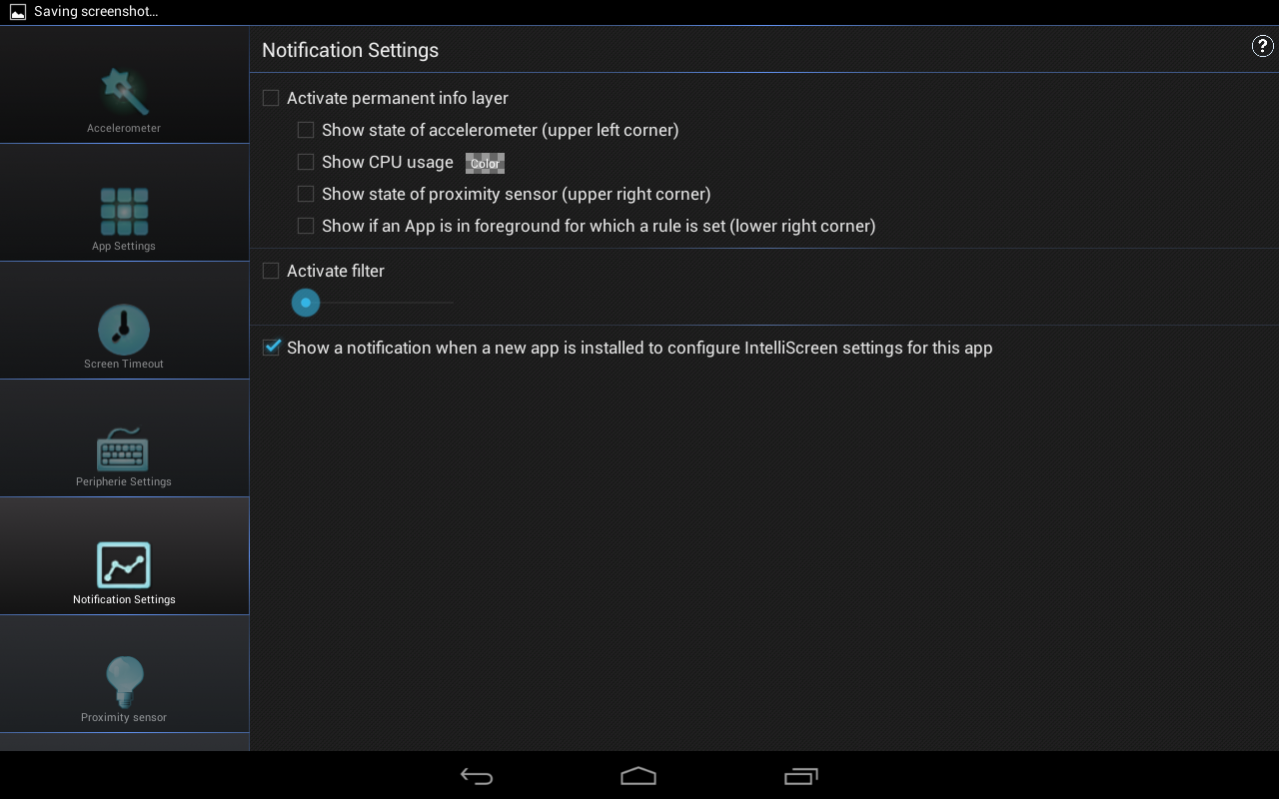

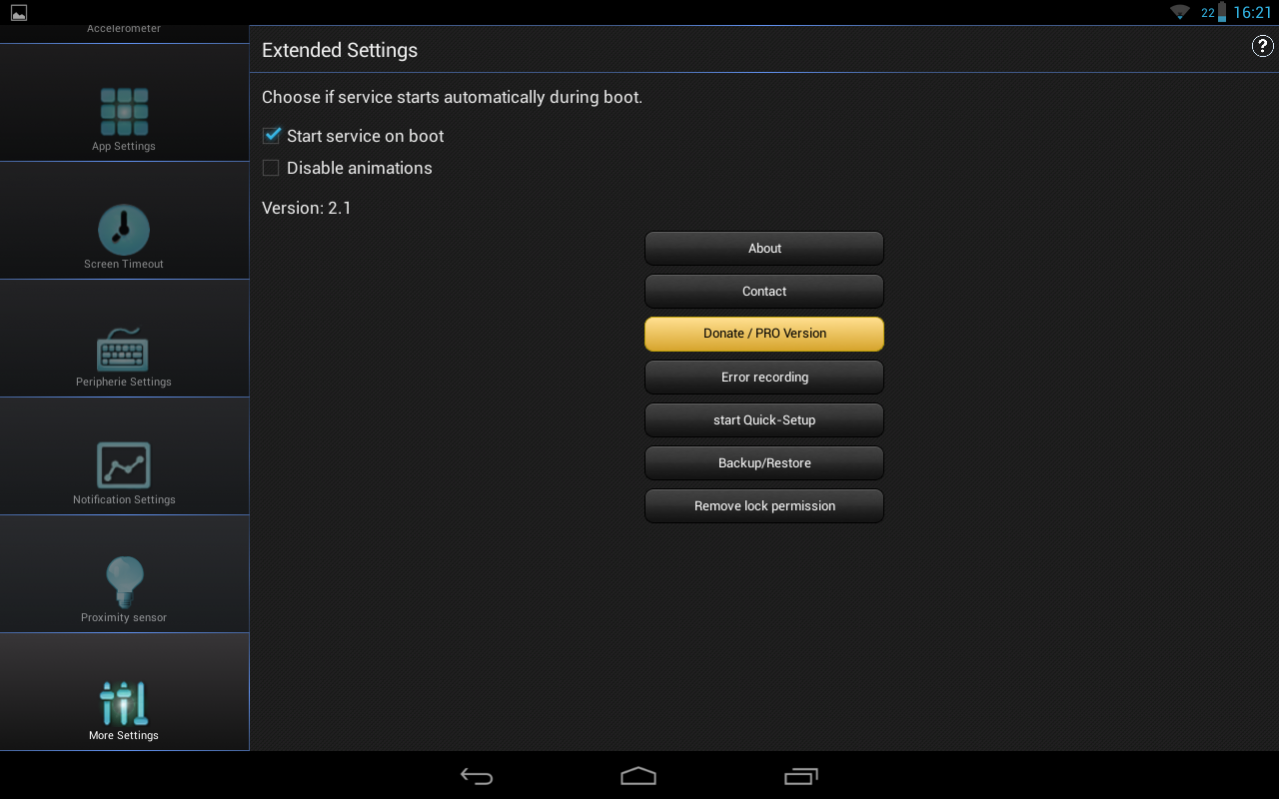
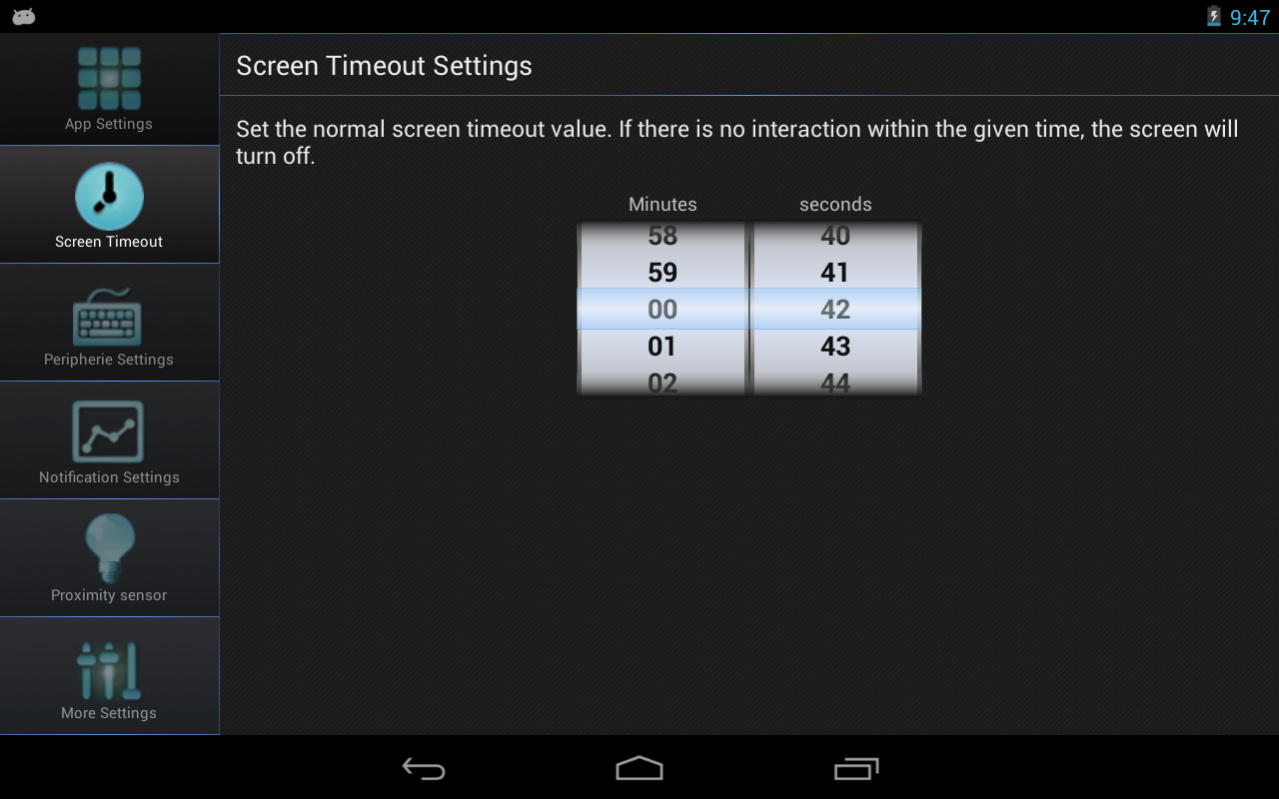
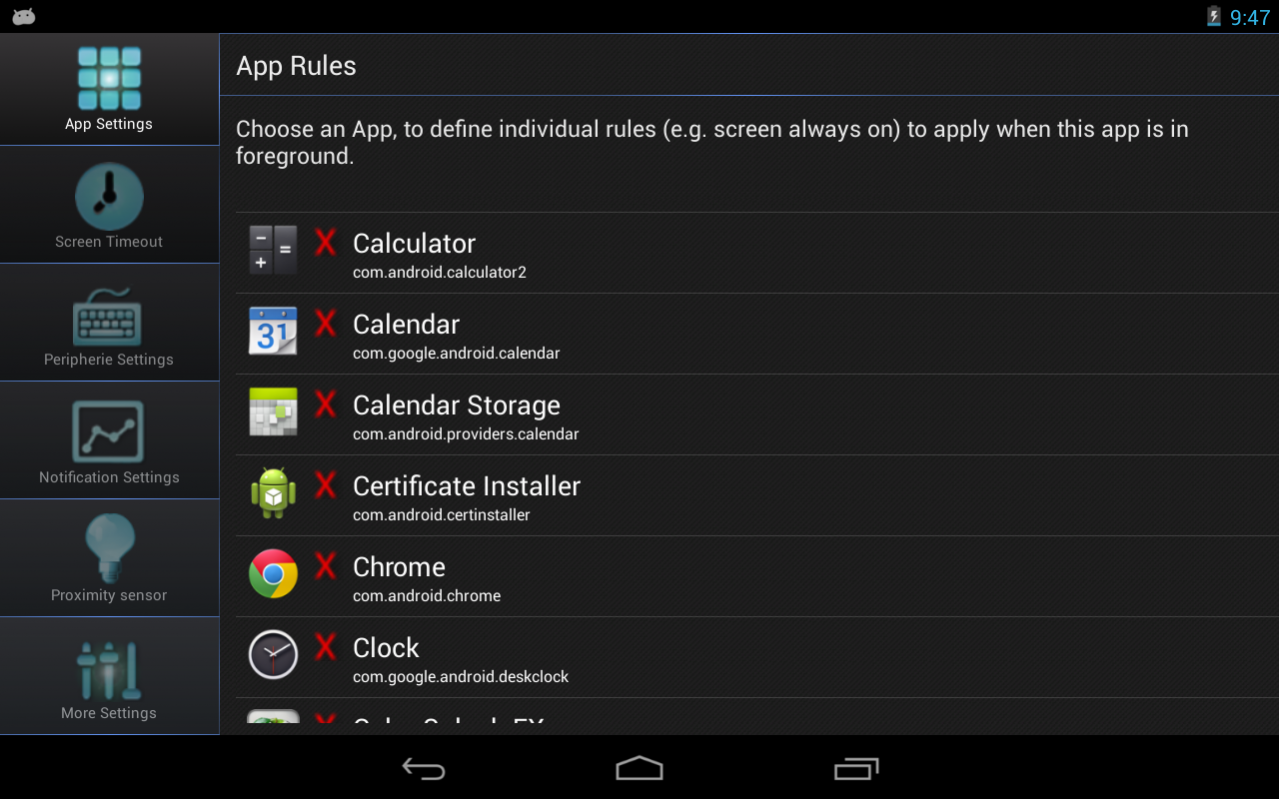


IntelliScreen is the all in one App handling the screen timeout on your Android device!
This app uses the Device Administrator permission.
FEATURES:
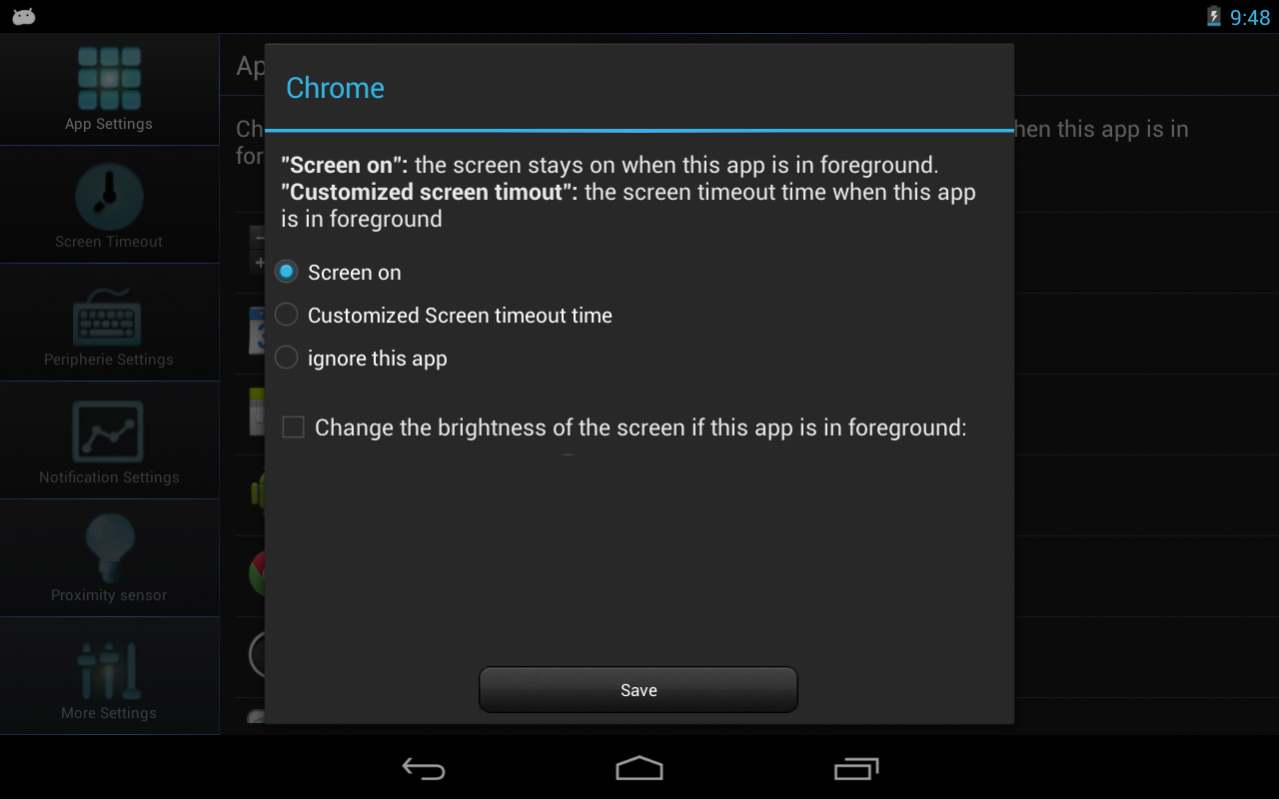
• Set individual rules for Apps (e.g. screen always on, app specific timeout ...) similiar to "Screen On" and "KeepScreen"
• Set a position in that the screen will always stay on (via Accelerometer)
• If its dark screen goes out (e.g. if you put your phone into your pocket) (via light sensor)
• Wake up device (the screen automatically turns on when you put your device out of your pocket)
• Screen lock widget (click on it and your screen gets locked) like "screen Off and Lock"
• Set an app specific display brightness
• No Ads!
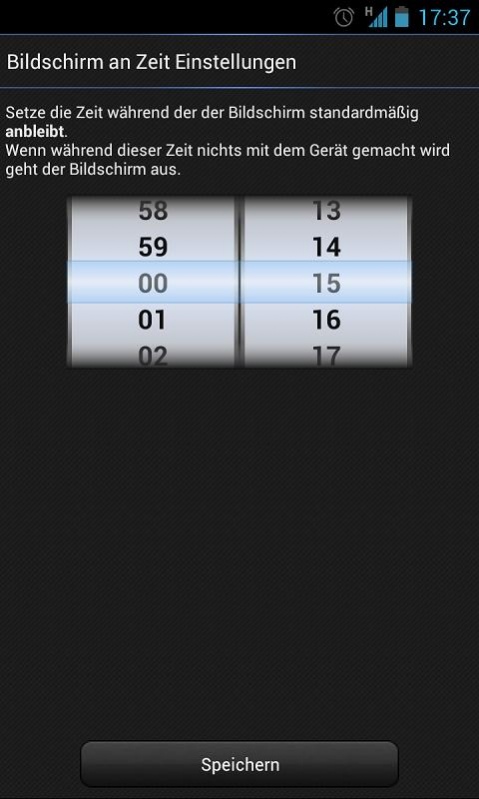
• Set an individual global screen timout time (e.g. 42 seconds)
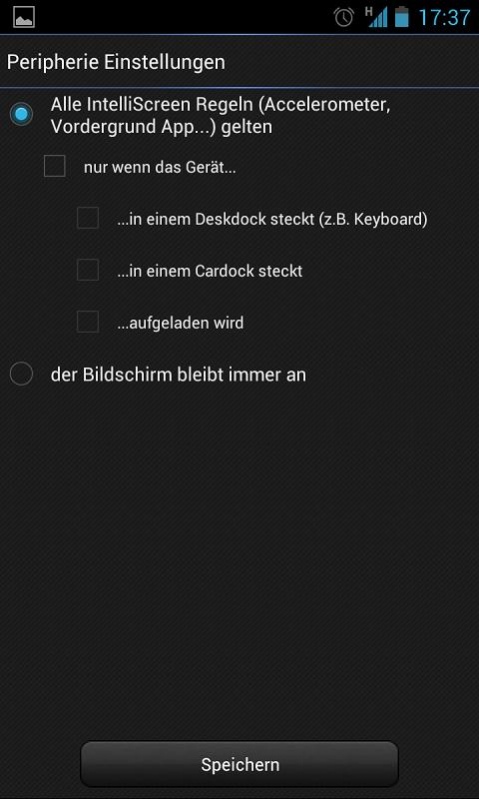
• Dock functions: choose if the screen should stay on when you are using a dock (e.g. desk dock)
• Display filter: saves battery life for AMOLED displays and great for eBook reading
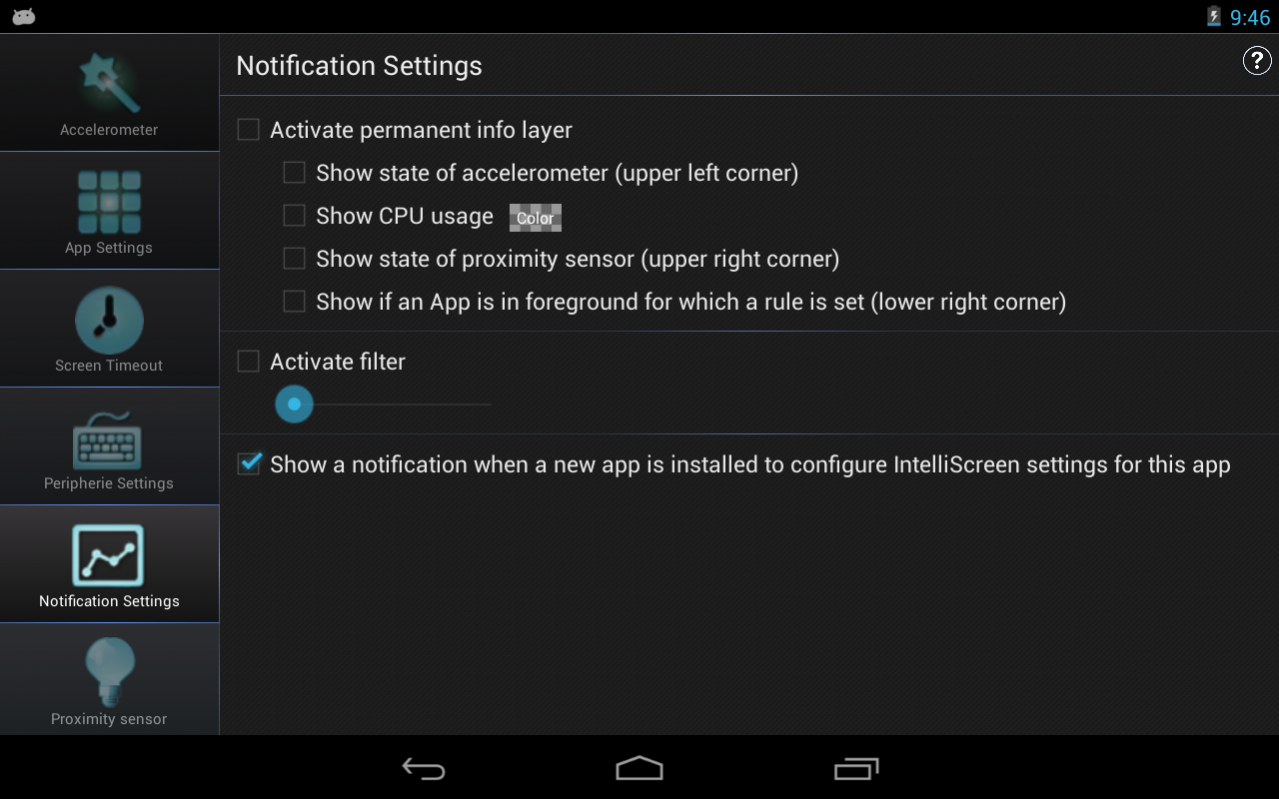
• Info HUD: shows always the state of the accelerometer, CPU, light sensor and active app rules
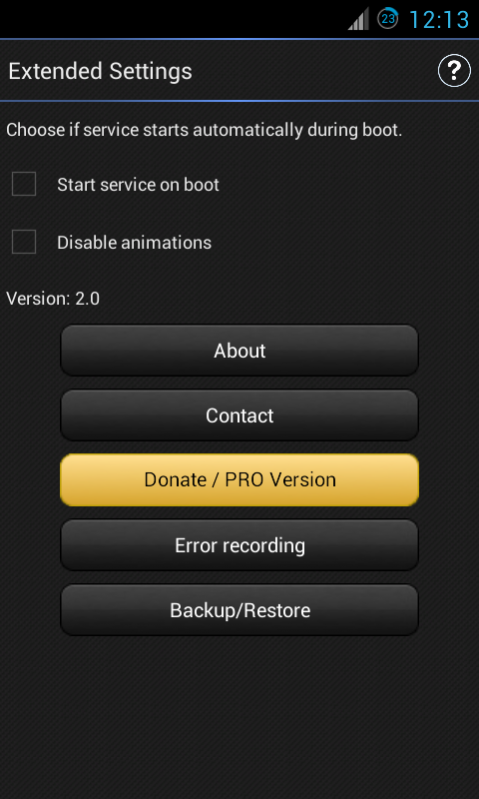
• Backup/Restore your settings
• Set app specific brightness of the display
PRO only:
• Light Sensor
• Extended Notifications and display filter
• Widget designs
• Wake up device
• and much more...
So please support us and the further development of this app by buying the pro version (In-App purchase), Thanks!
PERMISSIONS:
• WRITE_EXTERNAL_STORAGE: Is used for the backup functionality.
This app uses the Device Administrator permission.
This permission is required to access information about the visible app on screen and allow app specific screen timeout rules.
It's easy to handle the screen timeout via app specific rules, the accelerometer position, the light sensor or individual dock settings. You will be always informed about the screen timeout via the system HUD. Lock your screen easily with the screen lock widget.
"... making the app the only place you need to go for adjusting screen timeout." - addictivetips.com
"Manage your screen light, smartly" - androidzoom.com
We greatly appreciate bug reports, feature requests, suggestions, and questions.
Contact: support@pyrobyte-studio.com
About IntelliScreen - screen control
The company that develops IntelliScreen - screen control is PyroByte Studio. The latest version released by its developer is 3.4.1.
To install IntelliScreen - screen control on your Android device, just click the green Continue To App button above to start the installation process. The app is listed on our website since 2017-08-15 and was downloaded 0 times. We have already checked if the download link is safe, however for your own protection we recommend that you scan the downloaded app with your antivirus. Your antivirus may detect the IntelliScreen - screen control as malware as malware if the download link to eu.pyrobytestudio.intelliscreen.full is broken.
How to install IntelliScreen - screen control on your Android device:
- Click on the Continue To App button on our website. This will redirect you to Google Play.
- Once the IntelliScreen - screen control is shown in the Google Play listing of your Android device, you can start its download and installation. Tap on the Install button located below the search bar and to the right of the app icon.
- A pop-up window with the permissions required by IntelliScreen - screen control will be shown. Click on Accept to continue the process.
- IntelliScreen - screen control will be downloaded onto your device, displaying a progress. Once the download completes, the installation will start and you'll get a notification after the installation is finished.
Program Details
System requirements
Download information
Pricing
Version History
version 3.4.1
posted on 2017-08-15
version 3.4.0
posted on 2016-01-06
v. 3.4.0,- Android 6.0 compatibility,- Lots of bugfixes and improvements,v.3.3.1,- Bugfixes,v.3.3.0,- several optimisations for Android 5,v.3.2.0,- Added support for Android L,- fixed "pause"-feature,- add new settings for screen wakeup,v.3.1.2,-fixed bug which prevents the start of intelliScreen,-fixed broken widget bug (On/Off widget),v.3.1.1,-fixed compatibility issue with Android 4.4.2,-improved service reliability
version 3.0.1
posted on 2013-06-02
Several fixes and updates
Disclaimer
External Download
We do not host IntelliScreen - screen control on our servers. We did not scan it for viruses, adware, spyware or other type of malware. This app is hosted by Galad and passed their terms and conditions to be listed there. We recommend caution when installing it.
The APK Download link for IntelliScreen - screen control is provided to you by apps112.com without any warranties, representations or guarantees of any kind, so access it at your own risk.
If you have questions regarding this particular app contact the publisher directly. For questions about the functionalities of apps112.com contact us.
